
Acting like modern word of mouth, client reviews have big significance for your home service business growth. Positive, genuine customer feedback not only serves to build trust and loyalty, but also contributes to your brand’s online search visibility, which in turn brings a more steady influx of leads.
Below is a quick, hands-on playbook you can use right away, plus copy-and-paste-ready scripts suitable for plumbing, HVAC, landscaping, and similar trades.
Why reviews matter
Today, online reviews are in direct correlation with buying decisions. A strong set of recently posted reviews helps your Google Business Profile and local search rankings, and it shortens the sales cycle when a prospect client compares vendors to make a decision. That’s why you should treat reviews as a business asset you continuously maintain, rather than a one-off marketing stunt.
Tip #1: Pick the right time and channel
Having a clever copy is not enough; timing matters even more. That’s why you should ask for a review while your client’s experience is still fresh, ideally within 24 to 48 hours after you finish the job or after a short follow up to confirm everything works. This “time window” yields the highest response rate and the most detailed feedback.
Don’t forget to match the communication channel to your customers’ preferences:
- In person, for homeowners you meet on site.
- SMS or chat, for other types of services.
- Email, for commercial / business clients or longer-form feedback.
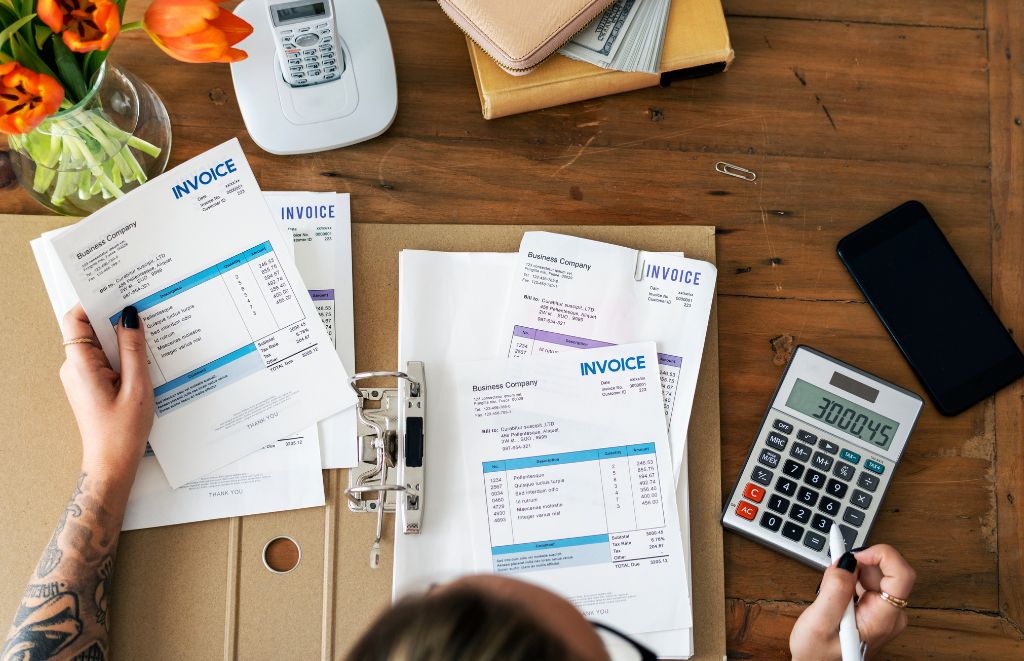
You can also add a note asking for the review on an invoice or a payment receipt. For the best results, use two channels: for example, SMS first, then a short email if there is no response.
Tip #2: Keep requests short and specific
Make sure to ask clearly and briefly, and don’t forget to include a direct link. No one has time to read long text – such messages reduce the chances of responding to your messages. Do tell customers which platform you prefer (like Google, Facebook, or Yelp) and explain that simple action you’re looking for: “Tap the link, pick a star rating, and add one line about what we fixed.”
Template for a one-click chat message
Hi [First name], thanks for choosing [Business]! If you have a minute, please rate us on Google: [short link]. Your feedback helps neighbors find reliable local pros!
Template for a short email subject and line
Subject: Quick favor – 60 seconds to review [Business Name]
Hi [First name], we hope everything looks good after our visit. Would you mind leaving a brief review on Google? Click here: [link]. We appreciate taking the time!
Remember, a single clear CTA is effective every time.
Tip #3 Personalize, but keep it scalable
Just a little bit of personal touch can go a long way. Include the customer’s name, the service performed, and a one-line reminder of the service you provided. In case you’ll run a high volume of such messages, you can automate personalization in your invoicing or CRM system so messages still feel one-to-one.
Here’s an example line to include in invoice footer or final message:
“Thanks again for choosing [Business]. If you can spare a minute, please tell others how we did: [link].”
What if a review goes south?
In case the customer posts a negative review, try to respond quickly and, even more important, calmly. Thank them for the feedback, acknowledge the issue, offer a remedy (in plain terms), and offer a direct conversation offline.
If you ultimately manage to resolve the problem, politely ask if they would consider updating the review. Never try to bully or buy a revised rating, since platform rules and federal guidance prohibit incentivized or misleading review manipulation. Thus, make sure to comply with both Google Business Profile policies and FTC guidance on endorsements.
Short reply template to a negative review
Hi [Name], sorry to hear about this. We always aim to make things right. Please call [phone] or email [address] so we can resolve it quickly.
Measure and iterate
| Track open rates, click rates, and completed reviews by channel and by job type. If SMS generates a higher client conversion than email, shift resources. If a certain crew consistently earns five-star reviews, ask them to prompt customers more often and use those testimonials for marketing. |
Simple review request scripts you can copy
- In person (crew script)
Thanks for letting us work on your [roof/boiler/lawn]. If I did a good job today, would you mind leaving a quick Google review? I can text you the link now.
- SMS (short)
Hi [Name], thanks for choosing [Business]. Quick favor: can you rate our service here? [short link]
- Email (short)
Subject: How did we do on your [service]?
Body: Hi [Name], thank you for booking with [Business]. If you can spare a minute, please leave a short review here: [link]. It really means a lot to us!
- Invoice note (one line)
Loved the result? Tell others by leaving a review: [link]
Follow up after negative feedback resolved
Thanks for the chance to fix this. If you are satisfied with the outcome, would you consider updating your review? Here is the link: [link]
Quick checklist before you ask
- Link directly to the review form (rather than a home page; chances are clients won’t bother to look for the form there)
- Ask within 24 to 48 hours of service, or after you confirm the job meets client’s expectations.
- Use the customer’s preferred channel of communication, which is usually mobile.
- Personalize the message with the client’s name and type of service provided.
- Avoid incentives that violate platform rules or FTC requirements.
The Wrap Up
Collecting reviews requires constant effort. If you follow the tips above and make asking for feedback part of your close-out process, chances are you’ll ultimately enhance your search visibility, reputation, and number of new clients. But remember, the greatest source of positive reviews is providing excellent service!